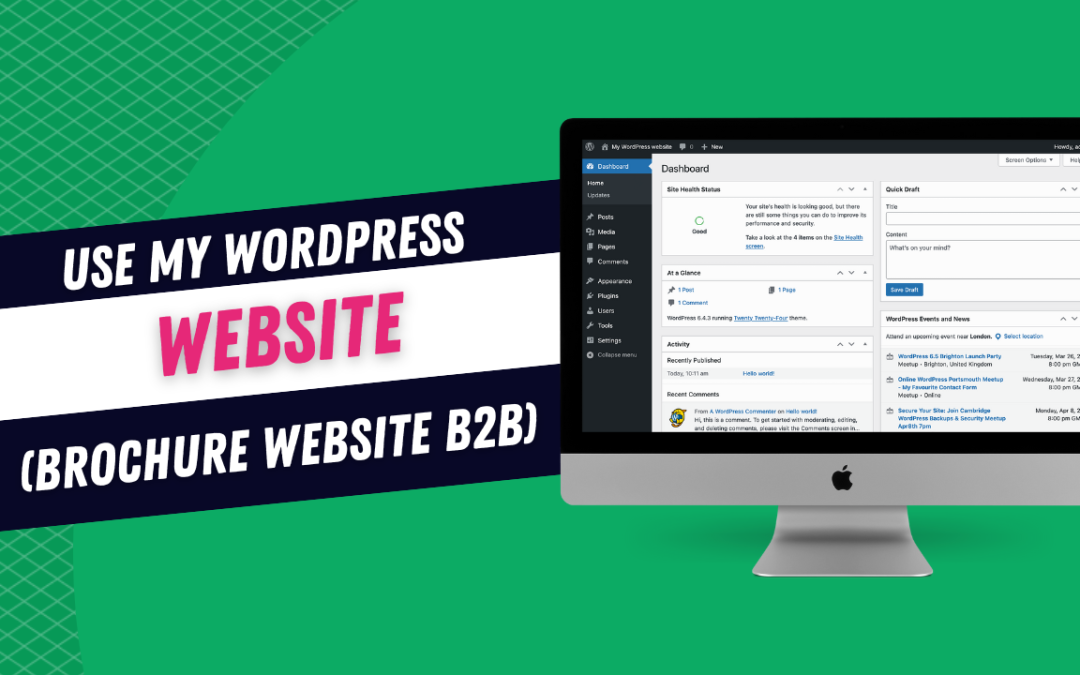
Here you will find out how to use your WordPress website from editing images and text to creating new pages.
Course Content
Overview
Navigate the dashboard
You don't currently have access to this content
Editing
How to update a page including images and text alterations
You don't currently have access to this content
How to add new text or image sections to your website
You don't currently have access to this content
How to move text and images to different sections of your WordPress Page
You don't currently have access to this content
Copying sections of WordPress page from one page to another
You don't currently have access to this content
Downloads
How to add downloads to your website without email data capture
You don't currently have access to this content
Adding downloads to your website with data capture
You don't currently have access to this content
Adding New Pages
Adding a new page
You don't currently have access to this content
Images and Video
Adding and Optmising Images
You don't currently have access to this content
Adding Video onto a page or blog
You don't currently have access to this content
Blogs
Adding a blog post
You don't currently have access to this content
How to notify users when you add a new blog post
You don't currently have access to this content
How to Disable WordPress Comments
You don't currently have access to this content
Social Media Accounts
Connecting your social media accounts
You don't currently have access to this content
Adding Instagram Feed
You don't currently have access to this content
Testimonials
Testimonials
You don't currently have access to this content
Adding Testimonials Manually
You don't currently have access to this content
Forms
Where data from forms is stored on your wordpress website (Gravity Forms)
You don't currently have access to this content
Creating Forms in WordPress for clients to fill in.
You don't currently have access to this content
Ninja Forms for Questionnaires
You don't currently have access to this content